License
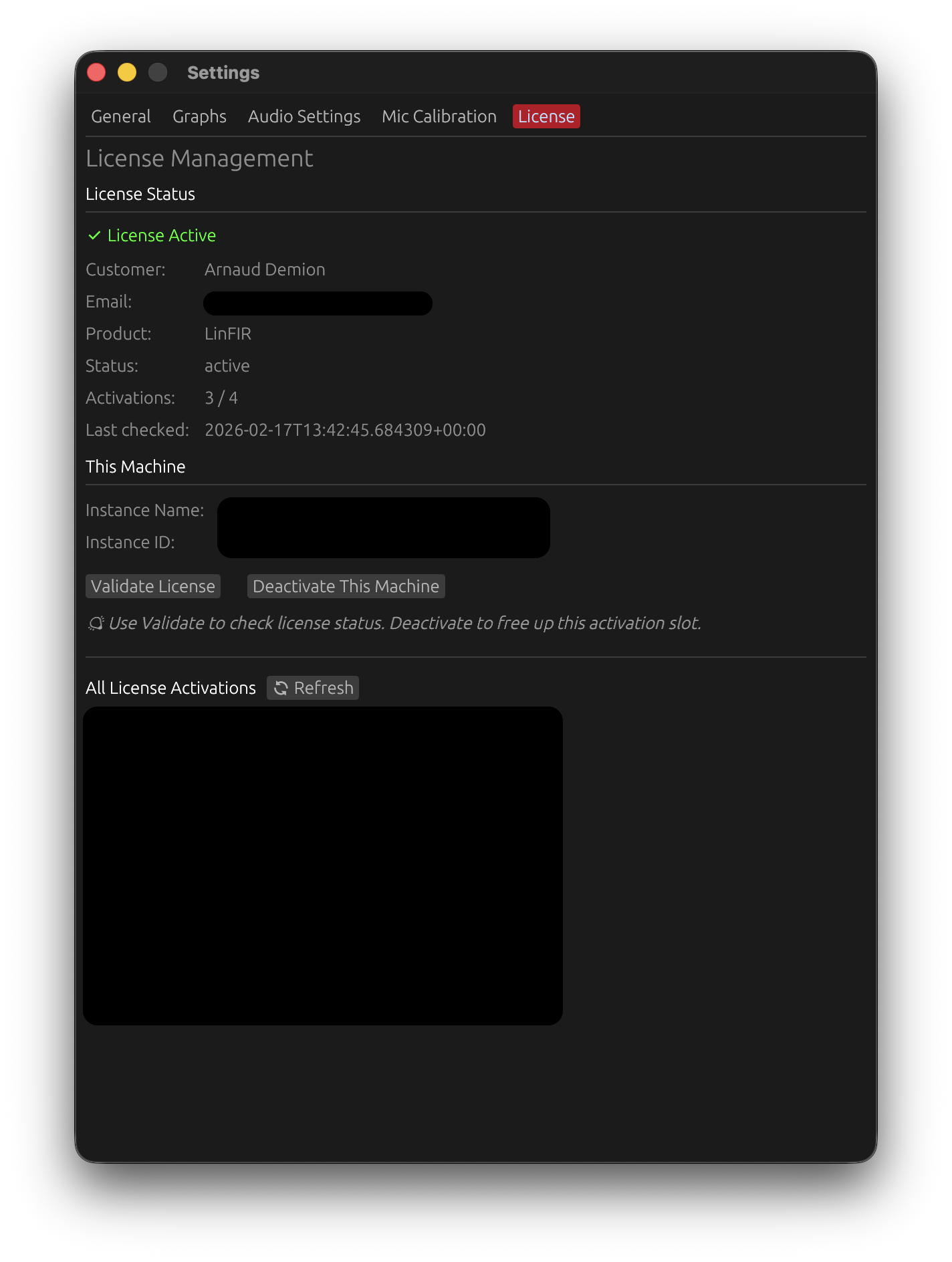
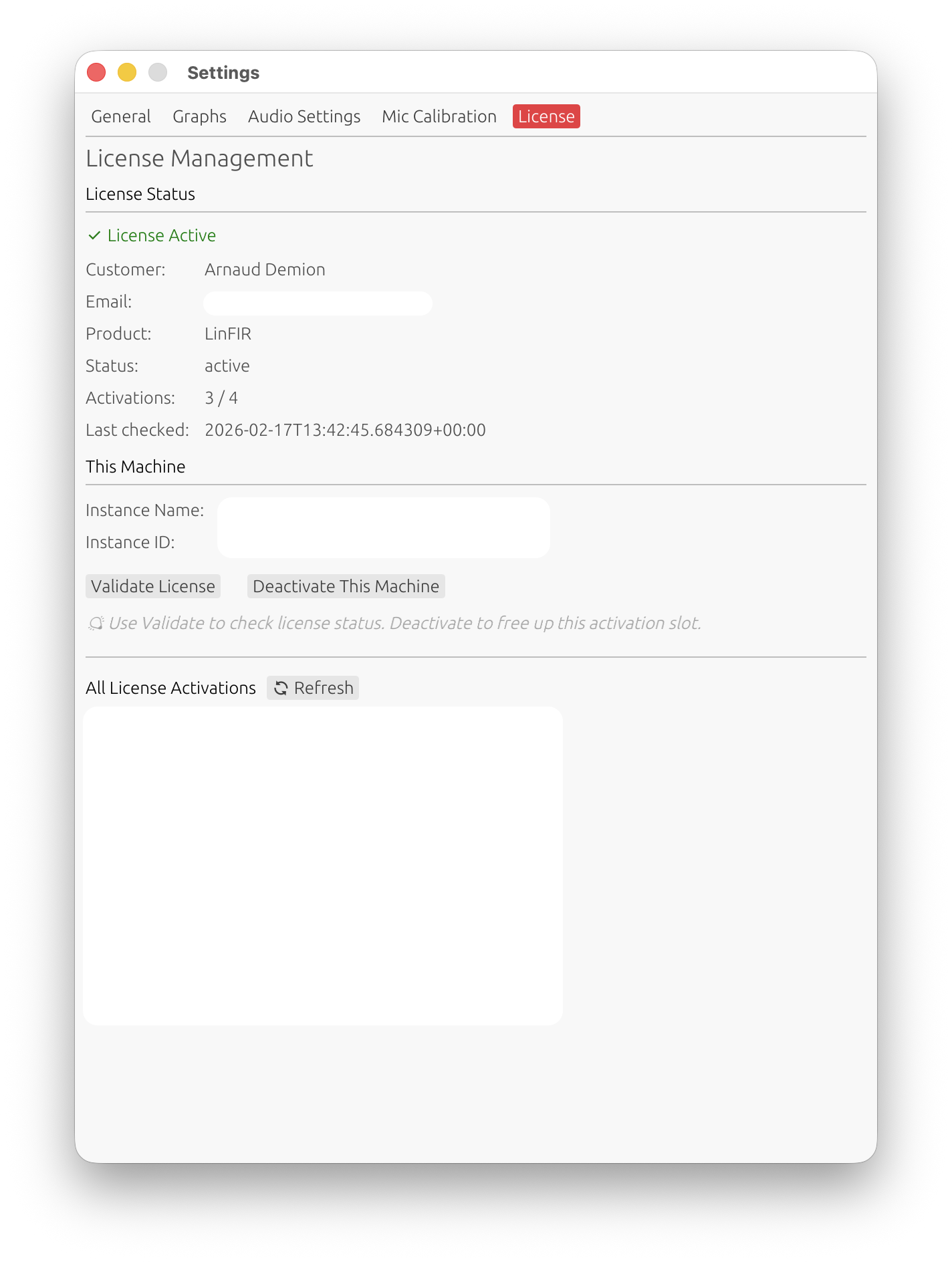
The License tab allows you to activate and manage your LinFIR license.
License Features
A valid LinFIR license unlocks advanced analysis features:
- Off-axis measurements: Import and analyze measurements at angles other than 0° (horizontal and vertical)
- Directivity Index (DI): Calculate and visualize directivity patterns across frequency
- Directivity Analysis: Access the Directivity Analysis window (sonogram and overlay plot) for detailed directivity visualization
- Spectrogram: Access the Spectrogram window (shortcut W) for time-frequency visualisation of the impulse response
- Multi-angle visualization: View multiple measurement angles simultaneously in graphs
- Pre-filter response overlays: When a FIR or IIR filter configuration window is open and in the foreground, a dashed overlay of that driver’s (or the sum’s) unfiltered response (magnitude, phase, and group delay) is displayed on the corresponding graph, making it easy to compare the raw and filtered curves without toggling filters on and off
- Auto EQ — Auto-generate: The Auto-generate toggle in the IIR Auto EQ tab (per-driver and global) automatically re-runs the EQ optimization whenever any parameter in the Auto EQ tab changes, removing the need to manually trigger a recalculation
- Harmonic distortion details: View individual harmonic levels (THD breakdown by harmonic)
- Near-field / far-field splicing: The splicing wizard, which synthesizes a full-range anechoic response from near-field element captures and far-field polar measurements (see Near-Field / Far-Field Splicing)
- Hypex FusionAmp mode: Create projects for Hypex FA series amplifiers with hardware-locked parameters and HFD export
Without a license, LinFIR operates with full functionality for on-axis measurements only (0°, 0°). The following features are unavailable without a license: off-axis analysis, directivity tools (DI, sonogram and overlay plot), spectrogram, pre-filter response overlays, Auto EQ auto-generate, harmonic distortion breakdown by harmonic, near-field / far-field splicing, and Hypex FusionAmp project creation.
Activating Your License
If you don’t have an active license, the License tab will display an activation form.
Activation Process
-
Enter your license key
- Format:
xxxxxxxx-xxxx-xxxx-xxxx-xxxxxxxxxxxx - Provided in your purchase confirmation email
- Format:
-
Enter your email address
- Must match the email used for purchase
- Used for license validation
-
Click “Activate License”
- Creates a new activation tied to this specific machine
- Each activation is identified by a unique instance name and ID
Important:
- Each license allows one activation at a time
- Each activation is machine-specific
- You must deactivate one machine before activating another
- You can manage activations from the License tab
License Status
When a license is active, the License tab displays:
Current License Information
- Customer name: License holder’s name
- Email: Email address associated with the license
- Product: LinFIR license type
- Status: Current license status (active, expired, etc.)
- Activations: Number of active machines (e.g., “1 / 1”)
- Last checked: Date and time of last validation
This Machine
- Instance Name: Automatically generated name for this activation
- Instance ID: Unique identifier for this machine’s activation
Managing License Activations
Validate License
Click “Validate License” to check the current status of your license with the licensing server.
Use cases:
- Verify license is still active
- Update activation count
- Check for license changes
Deactivate This Machine
Click “Deactivate This Machine” to free up this activation slot.
When to use:
- Switching to a different computer
- Freeing up an activation for another machine
- System reinstall or hardware change
Effect:
- Removes this machine’s activation
- Frees one activation slot
- License features will no longer be available on this machine
- You can reactivate on this or another machine later
Managing Other Activations
The “All License Activations” section displays all machines where the license is currently active.
For each activation:
- Name: Instance name
- Instance ID: Unique identifier
- Created: Activation date
Actions:
- This Machine: Marked with ✓ (cannot be deactivated from this view)
- Other machines: Click “Deactivate” to remove that activation remotely
Use case: If you activated LinFIR on a machine you no longer have access to, you can deactivate it from here to free up that slot.
Troubleshooting
Unable to reach the license server
Symptoms: Activation fails with a message about a network proxy, firewall, or “temporarily unavailable”.
Causes: The license server is protected by Cloudflare. A corporate firewall, VPN, proxy, or content filter may intercept the request and return an HTML page instead of a valid response.
Solutions:
- Disable VPN or proxy temporarily and try again
- Check firewall rules: ensure outgoing HTTPS connections to
api.lemonsqueezy.comare not blocked - Try a different network: switch to a mobile hotspot or home network to rule out corporate filtering
- Wait and retry: Cloudflare rate limiting is temporary — try again after a few minutes
- Check your internet connection: ensure basic web browsing works before activating
“No Active License” but I activated
Symptoms: The License tab shows no active license despite a previous activation.
Solutions:
- Click “Validate License” to refresh status from the server
- Check internet connection
- The activation may have been lost (e.g., after a system reinstall) — activate again using your license key and purchase email
Too many activation attempts (rate limited)
Symptoms: Activation fails with a message about too many requests or rate limiting.
Solution: Wait a few minutes and try again. Repeated failed attempts (e.g., due to a network issue) can temporarily trigger rate limiting on the server.
Activation limit reached
Symptoms: Activation fails with “Activation limit reached”.
Cause: Your license is already activated on the maximum number of machines allowed.
Solutions:
- Scroll down to the “All License Activations” section in the License tab
- Identify machines you no longer use and click “Deactivate” next to them
- Then try activating this machine again
- If you no longer have access to the machine listed, use “Deactivate” to free up that slot remotely
- Contact support if you need additional activation slots
Wrong email or license key
Symptoms: Activation fails with an error about an invalid key or email mismatch.
Solutions:
- Use the exact email address from your purchase confirmation (check for typos, extra spaces)
- Copy and paste the license key directly from the confirmation email to avoid transcription errors
- If you cannot find your purchase email, contact support
License deactivated on this machine
Symptoms: A toast appears saying “License has been deactivated for this machine”.
Cause: The license was revoked, expired, or deactivated remotely (e.g., from another device).
Solutions:
- Click “Validate License” to confirm the current status
- If the license is still valid, re-enter your license key and email to reactivate
License not validating
Symptoms: Background validation silently fails (no toast) or shows a warning about license status.
Solutions:
- Ensure internet connection is active
- Check firewall settings (HTTPS access to
api.lemonsqueezy.comrequired) - Verify your license has not expired by checking the status in the License tab
- Click “Validate License” to trigger a manual check
Privacy & Data
What is stored:
- License key (encrypted)
- Email address
- Instance name and ID (machine identifier)
- Activation timestamps
What is sent to licensing server:
- License key
- Email address
- Instance information (for activation/validation)
No project data, measurements, or filter designs are transmitted during license operations.